Articles in Knowledge Management
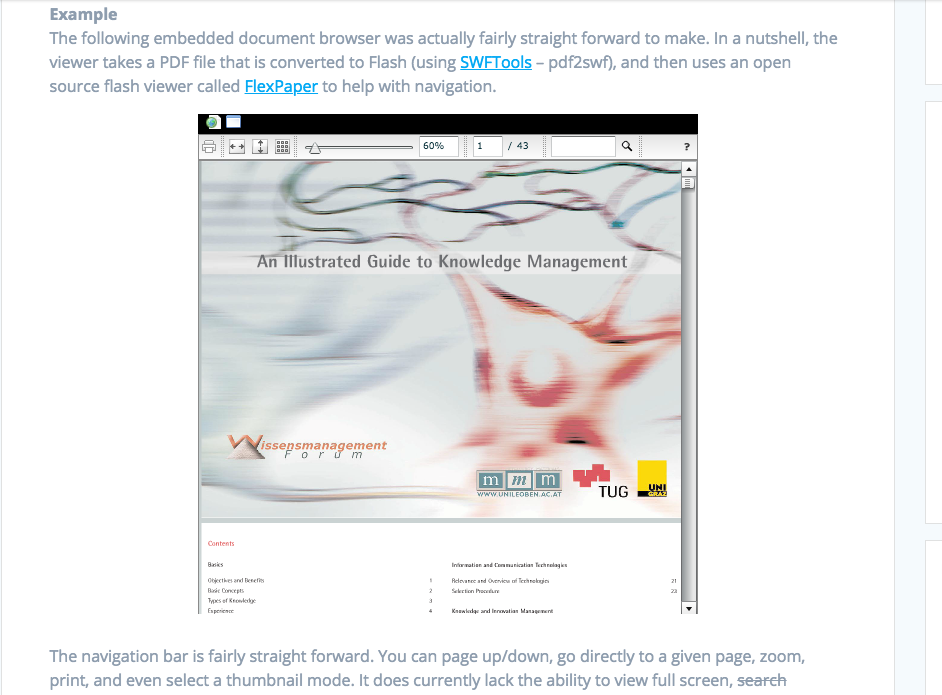
Since I posted my article last month on How To Create Your Own Personal Document Viewer, I’ve had a few inquiries on how people could have a similar setup themselves. I thought it might be …
Like most people, I have a large number of personal documents in a variety of formats (PDF, Excel, Word, RTF, PowerPoint, etc.). For the typical user, organizing these documents in a ‘My Documents’ folder and having MS Office/Open Office/Adobe Acrobat installed simply gets the job done. However, I’ve been looking for some sort of “Web 2.0″ solution to view my documents while I’m on the go. And, since my knowledge manager is web-based, I’d like a way to browse and embed personal documents directly in my wiki without needing any special software.
Building my own personal knowlege manager has been quite a journey. Over the last couple years I’ve taken a “piece meal” approach and slowly built up the features of my system one component at a time. One major feature that has always been on my mind is data portability. Last week I wrote an article on how to sync your digial scrapbook between multiple computers and even sync to your wiki. This feature had me thinking about how I could take portability to the next level.
I had originally planned on calling this article ‘How to Use Cloud Computing to Synchronize Your Digital Scrapbook For Research and Integrate Into Your Personal Knowledge Management Wiki for Extra Credit’
“Consider a future device for individual use, which is a sort of mechanized private file and library. It needs a name, and, to coin one at random, “memex” will do. A memex is a device in which an individual stores all his books, records, and communications, and which is mechanized so that it may be consulted with exceeding speed and flexibility. It is an enlarged intimate supplement to his memory.” — Vannevar Bush (1945)
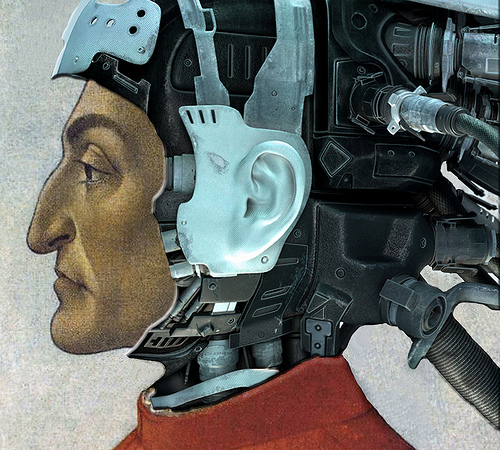
Fast forward fifty four years, and we finally have the technology (hardware and software) to make the Memex a reality. My project has been primarily focused on fulfilling a small portion of the the original idea, but has only touched the surface. The Memex fully realized would be a system that completely (and automatically) digitizes experiences, memories, and interactions with the environment. The capability for Total Recall , offloading human memory to a digital space, is not too far away (think Cyborgs).

The other week, I wrote a blog post The Visual Wiki: A New Metaphor For Knowledge Access and Management. At the time, until I read the paper in depth, I hadn’t realized that this …
I found a very interesting project from David François Huynh, developer of some impressive projects over at Simile. Parallax offers a new way to browse and explore data on Freebase, one of the largest open …
Truly fascinating work! This is next on my list for my Personal Memex.
And, the original paper on Scribd:
The Visual Wiki: A New Metaphor for Knowledge Access and Management
Publish at …
I’ve discovered a number of interesting applications that help people efficiently organize information. There certainly is no shortage of solutions for this problem domain. Many tools exist that offer the ability to discover, save, organize, search, and retrieve information.
I have to admit, when I first came across this software last week I was instantly impressed. I’ve had a fascination with software that allow you to visualize and comprehend information in different and exciting ways. Bee Docs Timeline, an application for Mac OS X (sorry Windows and Linux fans), is a great example of how to create and present smooth, professional looking timelines in a relatively easy fashion.